
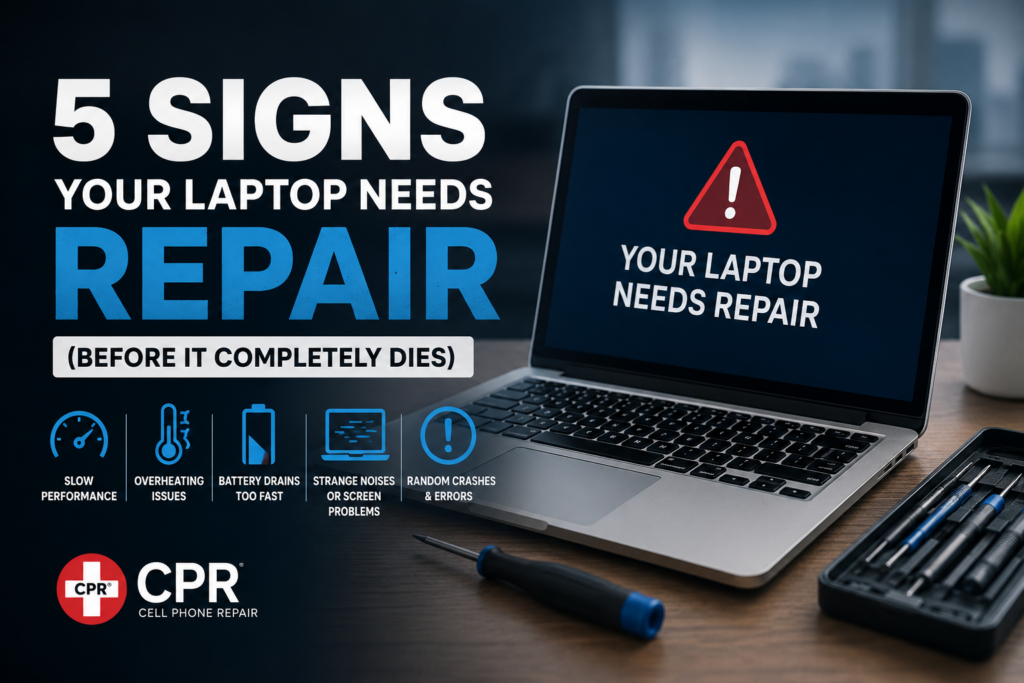
Your laptop usually gives warning signs before it completely gives up on you. The problem is most people ignore them until the screen goes black during an important Zoom call or while finishing a deadline at 2 AM.
A small issue today can turn into an expensive repair tomorrow. The good news? Catching these signs early can save your data, money, and stress.
Here are 5 major signs your laptop needs repair before it completely dies.
1. Your Laptop Is Extremely Slow
If your laptop takes forever to start, apps freeze constantly, or even opening Chrome feels like a workout, something is wrong.
While older laptops naturally slow down over time, sudden lagging can be caused by:
- Failing hard drive or SSD
- Overloaded storage
- Malware or viruses
- RAM issues
- Background software problems
Many people think they need a brand-new laptop immediately. In reality, a simple SSD upgrade or cleanup can make your laptop feel new again without spending a fortune.
Pro Tip:
If your laptop takes longer to boot than your morning coffee takes to make, it’s time for a repair check.
2. The Laptop Overheats Frequently
Does your laptop feel hot enough to cook breakfast on it?
Overheating is one of the biggest warning signs that internal components are struggling. Ignoring it can damage the motherboard, battery, and processor permanently.
Common causes include:
- Dust buildup inside cooling fans
- Faulty cooling system
- Dried thermal paste
- Heavy background processes
Signs of overheating:
- Loud fan noise
- Sudden shutdowns
- Keyboard becoming very hot
- Lagging during normal use
Getting your laptop cleaned and serviced regularly can extend its life significantly.
3. Battery Drains Too Fast
If your battery drops from 100% to 20% faster than your motivation on Monday mornings, your battery may be failing.
Laptop batteries degrade over time, but rapid draining, overheating while charging, or random shutdowns are signs you shouldn’t ignore.
Watch out for:
- Battery swelling
- Charging issues
- Laptop only working while plugged in
- Unexpected power-offs
Replacing a battery early is much cheaper than repairing motherboard damage caused by a swollen battery later.
4. Strange Noises or Screen Problems
Laptops are not supposed to sound like motorcycles.
Clicking noises, buzzing sounds, or grinding can indicate hardware failure — especially from old hard drives or cooling fans.
You should also pay attention to screen issues like:
- Flickering display
- Dead pixels
- Lines on screen
- Black spots
- Dim brightness
These problems often get worse over time and can eventually make the laptop unusable.
5. Random Crashes & Blue Screen Errors
If your laptop randomly restarts, freezes, or shows the infamous “Blue Screen of Death,” don’t ignore it.
These crashes can happen because of:
- Failing hardware
- Corrupted operating system
- RAM issues
- Overheating
- Driver conflicts
- The earlier the issue is diagnosed, the higher the chance of saving your important files and avoiding complete failure.
- And yes the classic “turn it off and on again” only works so many times.
Repair vs Replace: What Should You Do?
Many laptop issues can be repaired at a fraction of the cost of buying a new device.
You should consider repair if:
- The laptop is under 5 years old
- Repairs cost less than half the price of a new laptop
- Your usage is basic (office work, browsing, studies)
- The motherboard is still healthy
A professional diagnosis can help you decide whether repair or replacement makes more financial sense.
Your laptop usually gives warning signs before it completely stops working. Slow performance, overheating, battery issues, strange noises, and random crashes are all signs you shouldn’t ignore.
Fixing small problems early can:
Save your important data
Extend your laptop’s lifespan
Improve performance
Help you avoid expensive replacements
At CPR Cell Phone Repair, our expert technicians can diagnose and repair laptop issues before they turn into major problems. From battery replacements and overheating fixes to screen repairs and performance optimization, we help bring your laptop back to life quickly and professionally.
Whether it’s for work, gaming, school, or everyday use CPR is here to keep your devices running smoothly.
Don’t wait until your laptop completely dies. Get it checked today and save yourself the stress (and the unexpected repair bill later).
